ReFruit: Camera Edition
A downloadable game for Windows and macOS
ReFruit: Camera Edition
A story of this game, a main character named Cameron Miles who loves capturing moments with a camera. However, each time he become obsessed with using the camera, he slowly loses his sense of time and awareness of his surroundings.
Here is a tutorial: Step - By Step instructions!
- Look at the picture frame in the first level. It shows the required fruit, for example Pear.
- Walk around the room and find the correct fruit.
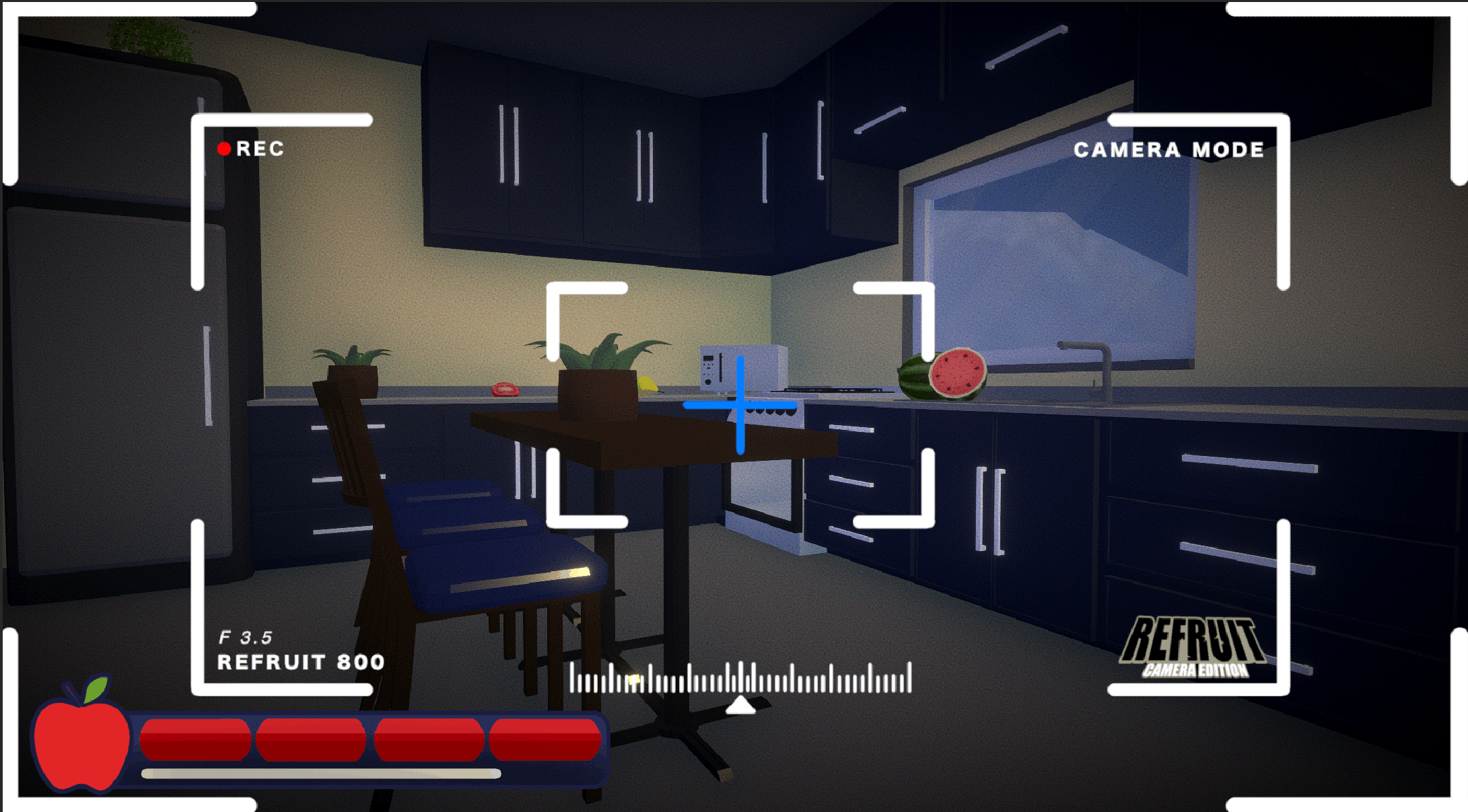
- Press C to open Camera Mode.
- Aim at the pear and left click to take a picture.
- Press C again to close Camera Mode.
- Check the photo if you got it! Press E to check and Press E to close.
- Walk to the picture frame.
- Look at the frame and press F to submit the picture.
- If the picture is correct, the door opens.
Controls:
- WASD – Move
- C – Open / Close camera
- Left Click – Take a picture (camera open)
- E – View carried picture
- F – Submit picture near the wall painting
Credits:
Fart (abdiloading) - 3D Modeller / UI / Producer
Frost Shin (ShinFrost44) - Programmer
Thunder (Thunder_004) - Programmer
Joules (J0ules1337) - Level Designer
fosil ( @fosilfosil ) - Sound Designer
Download
Install instructions
- Download a Zip File
- Extract a Zip file
- Open "Mini Jame #50" Application
Leave a comment
Log in with itch.io to leave a comment.